smiley
Smiley1 Prompt: Define the basic shape of a smiley (round face + eyes + mouth) by drawing an emoji with a circle using processing, then create a text file to store the key parameters of the smiley (position, size, colour, emoji features of the smiley), and then use loadstrings() and split() in the processing functions to read and parse the file
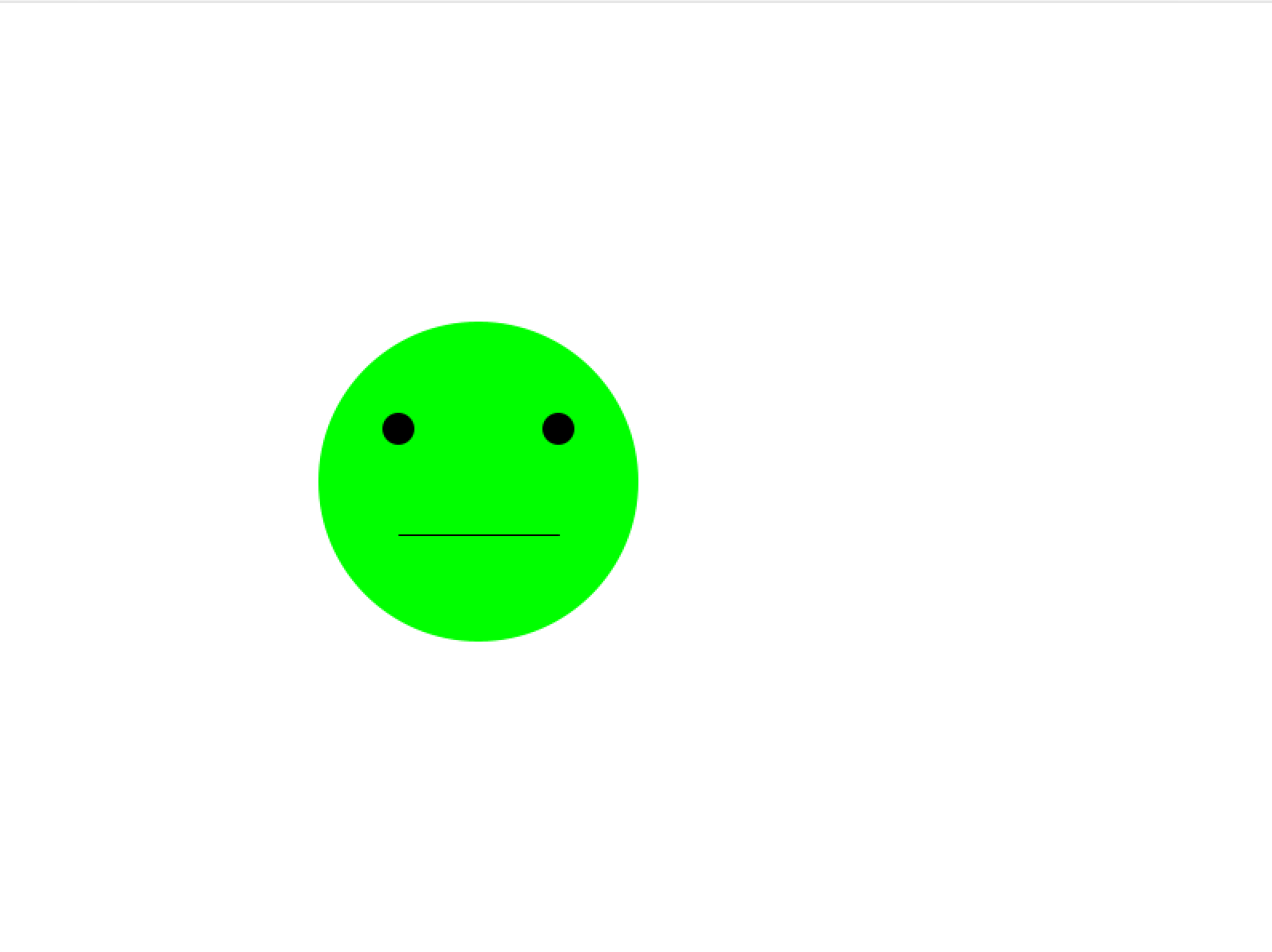
After completing the initial version, a new smiley parameter file can be further generated via the chatgpt command and loaded in the programme, e.g.:
‘Generate a green sad emoticon with position (200, 400) and diameter 150’
The new txt generated by chatgpt:
size=200 #The size of the smiley face
position_x=300 #Position of the smiley face
position_y=300
colour=255,255,0 #Colours of the smiley face
expression=angry


 smiley2
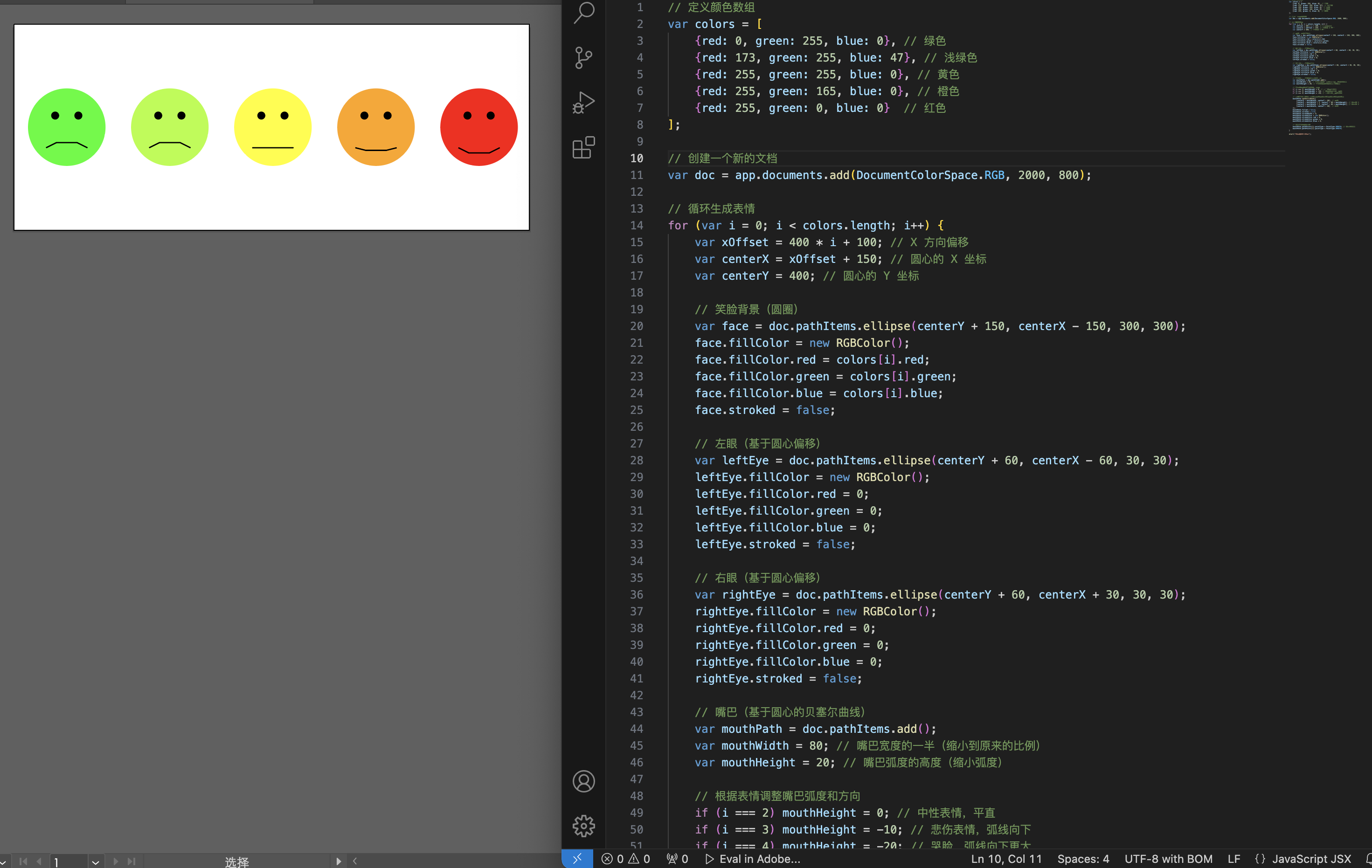
Then I asked chatgpt if I could use Javascript to draw a 400x400px yellow smiley face in illustrator, and then gave the reference image, and chatgpt generated the following code for me, using illustrator's script function to import the code
smiley2
Then I asked chatgpt if I could use Javascript to draw a 400x400px yellow smiley face in illustrator, and then gave the reference image, and chatgpt generated the following code for me, using illustrator's script function to import the code
Prompt:
Drawing a smiley face in illustrator using javascript
Create a 400x400px circle as the background of the smiley face.
Add two black circles for the eyes.
Draw an arc with a path for the mouth.
The eyes and mouth are in the middle of the circle.
reference image:
 result:
 code
code
How to use this code:
- Open Adobe Illustrator.
- open the script editor.
- Copy and paste the code above into the Script Editor. Save as a .jsx file (e.g. smiley.jsx).
- In Illustrator, choose File > Scripts > Other Scripts and select the saved file.